
Epomaker Nex Lite Mouse Review
Out Now
Version tested: White / 2.4GHz Wireless
(Tested on PC: 9800X3D, 64GB DDR5 and RTX 5090)
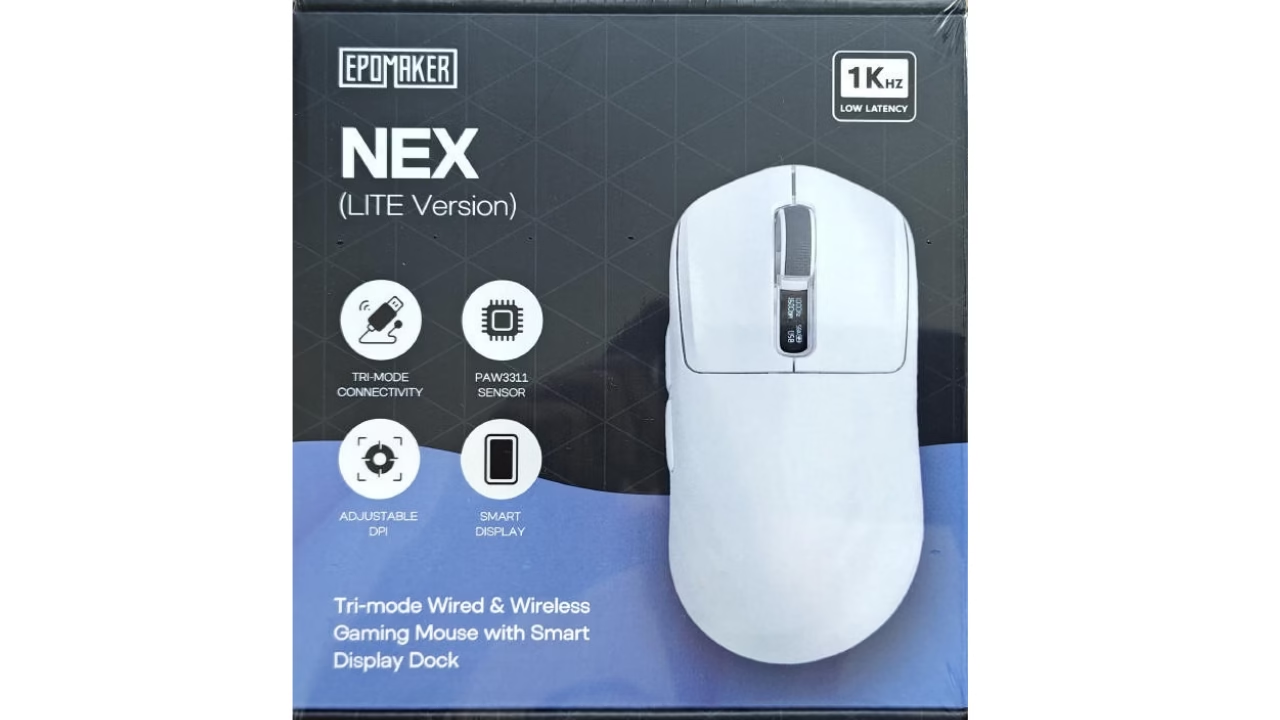
Epomaker has earned a bit of a reputation in recent years for dropping feature-packed mechanical keyboards at prices that make big-name brands look a bit cheeky. Now they’ve turned their attention to the pointer market with the Epomaker Nex Lite. On paper, it sounds like an absolute steal: tri-mode wireless, a dedicated magnetic charging dock, twin OLED status displays, and driverless browser software, all sitting around the £30 mark. Naturally, when a budget mouse promises feature parity with flagship pointers, there’s usually a catch somewhere along the line. We spent the last couple of weeks running it through daily desk work and late-night shooter sessions to see how it holds up.
Design, Ergonomics & Build Quality
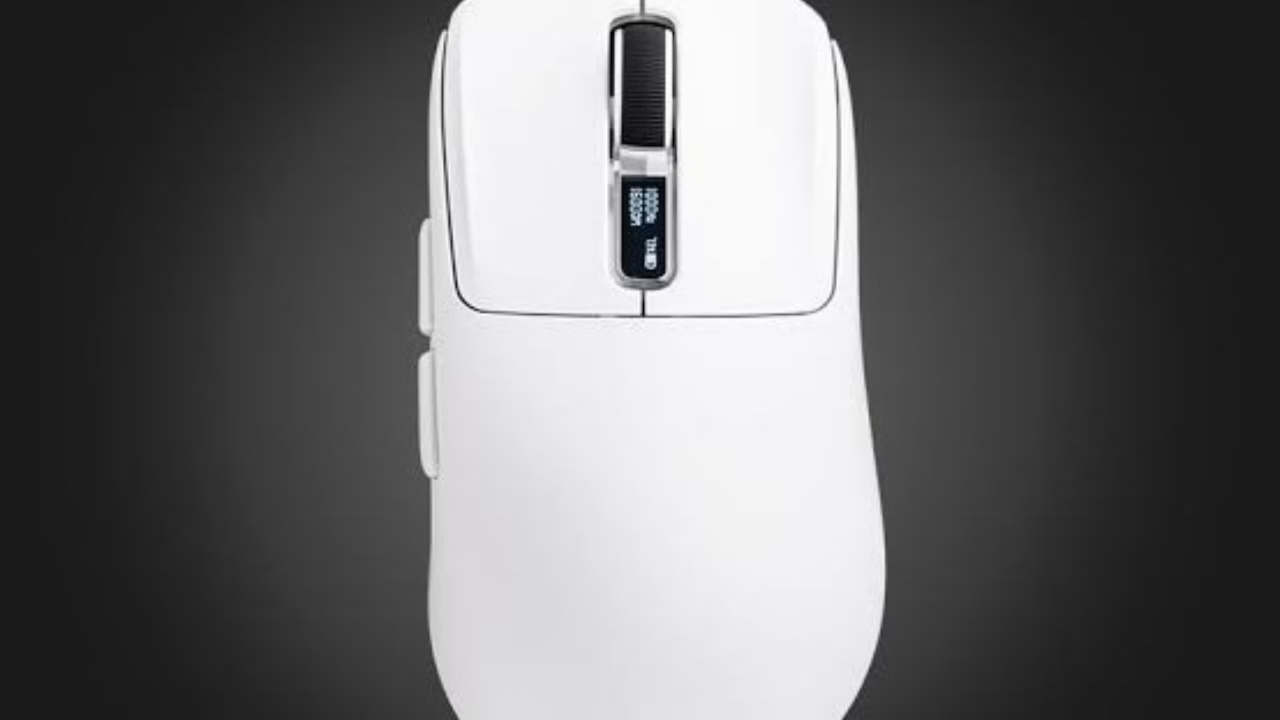
Out of the box, the first thing you’ll notice is how light the unit feels in the hand. At 65 grams, it sits right in that comfortable spot—light enough for quick flick shots in competitive titles without feeling like a fragile piece of hollow plastic. The right-handed ergonomic curve leans heavily into comfortable palm and claw grips. If you have medium to large hands, your fingers rest naturally along the main triggers, though those with smaller hands or a pure fingertip style might find the hump a a little too pronounced.
The overall shell finish is a smooth matte plastic. It looks tidy on the desk, but if your hands get a bit warm during long sessions, it can feel slightly slick. A set of basic grip strips wouldn’t have gone amiss here, but given the price point, it’s hard to complain too loudly. Chassis rigidity is surprisingly solid; squeezing the sides yields no creaks or accidental side-button clicks, which is often an issue with sub-£40 wireless mice.
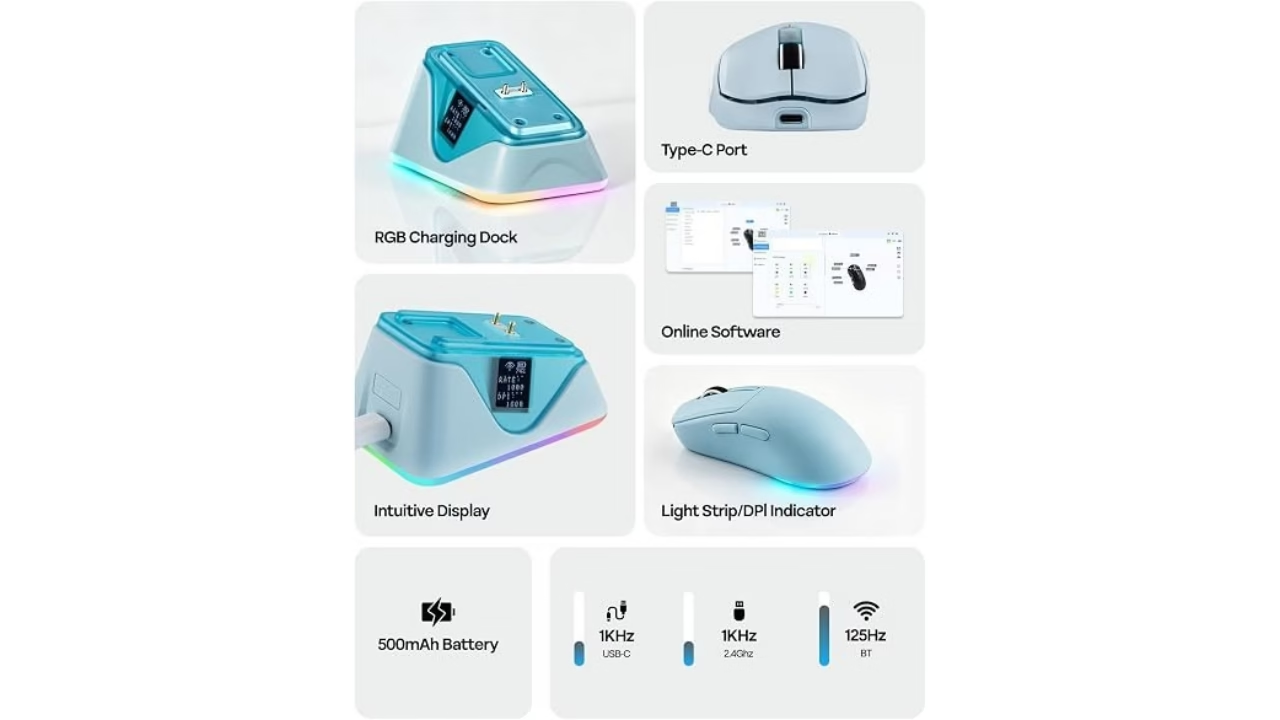
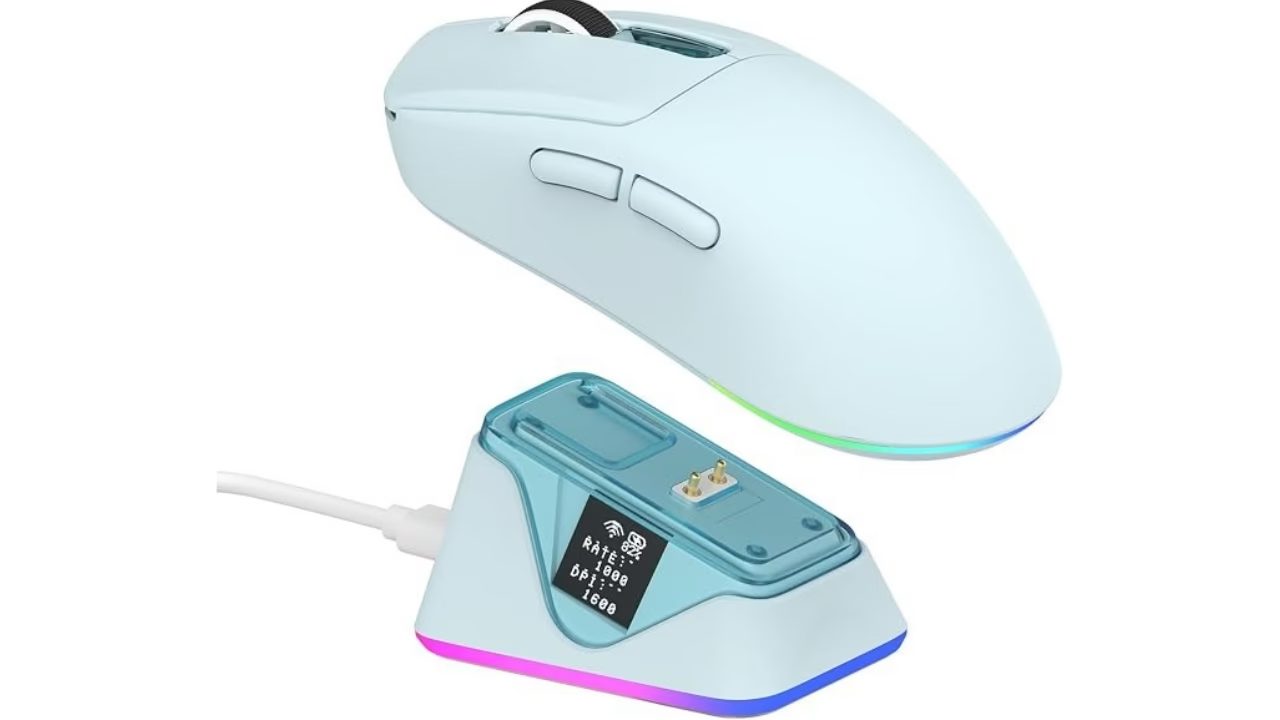
The real talking point here is the twin 0.54-inch OLED screens—one built into the side of the mouse body and one sitting on the front of the included charging dock. Instead of guessing your current DPI stage or having to tab out of a game to check software, you get a clean readout of your active DPI, polling rate, connection mode, and battery status right on the unit itself. It’s a genuinely useful addition rather than a gimmick.
Performance & Connectivity
Under the hood, Epomaker has opted for the PixArt PAW3311 optical sensor. It tops out at 12,000 DPI with 300 IPS tracking and 35G acceleration. While hardcore esports enthusiasts eyeing 4K or 8K polling rates might want something higher-tier, the standard 1000Hz polling rate in 2.4GHz wireless and USB-C wired modes proved rock-solid during our testing. Tracking was crisp, click latency felt imperceptible in fast-paced shooters, and we didn’t experience any spin-outs or signal dropouts.
Connectivity options cover all the bases: 2.4GHz wireless via the USB dongle, Bluetooth 5.0 for quickly pairing with a laptop on the move, and standard USB-C wired mode for charging while playing. The included magnetic dock is a standout inclusion at this price. It plugs into your PC via USB, holds the 2.4GHz receiver to keep the signal path short, and lets you drop the mouse onto its magnetic pins at the end of the night to keep the internal 500mAh battery topped up.
Software & Daily Usability
Rather than forcing you to install heavy background software that eats up system resources, Epomaker uses a web-based configuration tool accessible through Chrome or Edge. It’s quick, straightforward, and lets you rebind the main switches, tweak DPI steps, set custom debounce times, and save lighting profiles directly onto the mouse’s onboard memory.
Battery life is solid, it easily lasted us nearly a full week of heavy work and gaming in 2.4 GHz mode. However, if you run the RGB dock lighting and mouse displays at maximum brightness 24/7, you will notice the battery draining a fair bit quicker. Drop the brightness slightly, and it comfortably lasts through extended play sessions without fuss.
Verdict:
The Epomaker Nex Lite is a cracking little peripheral that proves you don’t need to drop nearly a hundred quid to get a feature-rich wireless gaming mouse. While the smooth plastic shell could do with a touch more grip, the combo of a solid sensor, magnetic charging dock, OLED info screens, and hassle-free web software makes it one of the best value budget picks currently on the market.
Score:
8.7/10
Please don’t forget to like our Facebook page and follow us on TikTok.
The Mouse was provided free of charge for my honest and unbiased review.
Pros
- Exceptional value for money with an included magnetic RGB dock
- Clear OLED displays make checking battery life and DPI effortless
- Comfortable 65g ergonomic shape for long gaming sessions
- Web-based software setup saves directly to onboard memory
Cons
- Smooth plastic shell can feel a bit slick during warm or intense sessions
- Battery drains faster if display brightness and RGB are left maxed out
- Right-handed ergonomic layout only
